Feature
Human in the Loop Controls
AI handles the work. Humans hold the authority.
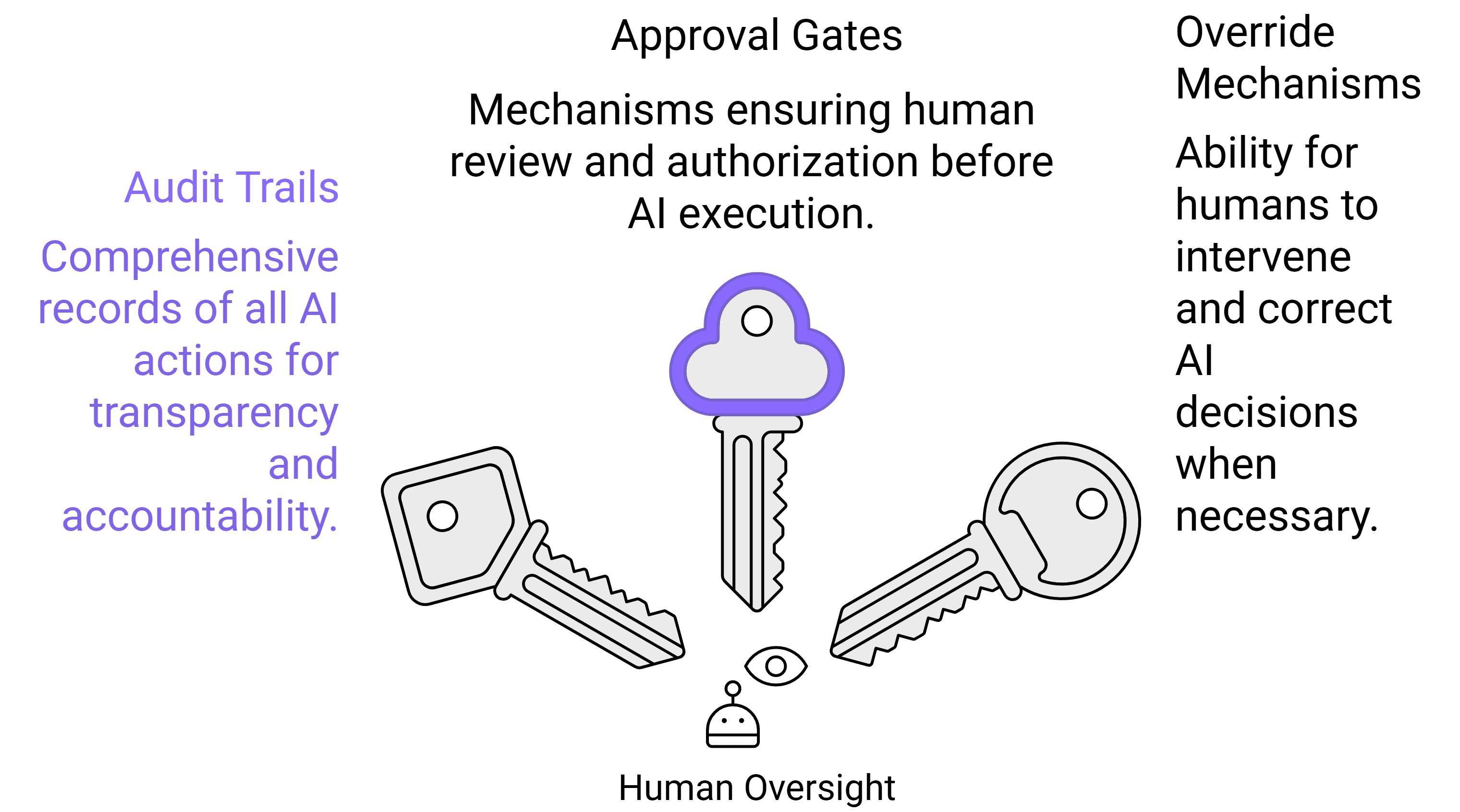
Maintain full control with audit trails, approval gates, and override mechanisms. Critical decisions are routed to the right human before execution. AI handles operations while humans retain final authority.
100%
Actions logged with full context
Custom
Approval thresholds by action type
<30 s
Average approval turnaround (mobile)
0
Irreversible actions without audit trail
Overview
Autonomy without accountability is a liability. SuperManager AGI is designed from the ground up with the understanding that enterprise AI systems must be fully governable not just capable. Human in the Loop (HITL) controls give organizations a comprehensive framework for defining exactly where AI acts independently, where it pauses for review, and where humans must always decide.
Approval gates can be inserted at any point in any workflow. Define thresholds by action type, value, risk category, or system and the agent pauses, summarizes its proposed action with full context, and routes it to the right person for review. Approvers can approve, reject, modify, or escalate from a simple interface on desktop or mobile.
The audit trail is comprehensive and immutable. Every agent action, approval decision, and override is logged with actor identity, timestamp, input context, and outcome. This isn't just for compliance it's the foundation for continuous improvement, enabling teams to review agent behavior, refine policies, and build justified trust over time. Enterprises deploying SuperManager AGI can demonstrate exactly what the system did, why it did it, and who authorized it for every action, ever.
Benefits
Granular Approval Gates
Configure approval requirements at any level of granularity by action type, value threshold, target system, agent type, or time of day. Approvals route to the right person, not just any admin.
Immutable Audit Trail
Every action, approval, rejection, and override is logged permanently with full context. Tamper-evident logs are exportable for compliance reporting and external audit.
Mobile-First Approval Interface
Approvers receive rich notification summaries with all relevant context proposed action, rationale, risk level, and one-tap approve/reject without needing to log into a dashboard.
Escalation Chains
If an approver doesn't respond within a defined SLA, approval requests automatically escalate up the chain ensuring workflows aren't permanently blocked by an unavailable reviewer.
Policy-Driven Autonomy Levels
Define autonomy levels per team, workflow, or agent type. Some teams may want fully autonomous operations; others may require approval on every external communication. All configurations are supported.
Use Cases
CFO
All payment disbursements above ₹1,00,000 require CFO approval before execution.
The finance agent prepares the payment, generates a summary with invoice references, risk score, and vendor history, and routes it to the CFO's mobile app. One-tap approval releases the payment. Full audit trail captured.
Legal / Compliance
Any external customer communication drafted by an agent requires legal review.
The communication agent drafts the email, flags it for legal review, and pauses. Legal receives the draft with context and approves or edits directly in the approval interface. The agent sends the approved version.
IT Administrator
New user access provisioning requires IT manager sign-off.
The IT provisioning agent prepares the access bundle (systems, roles, permissions), routes it to the IT manager with a risk assessment, and awaits approval. Provisioning executes only after confirmation with a full access log created.
How It Works
Step 1
Policy Configuration
Define which actions require human approval, at what thresholds, and who the designated approvers are. Policies can be set at the global, team, workflow, or action-type level.
Step 2
Pre-Action Check
Before executing any action, the agent evaluates it against configured policies. Actions that meet approval criteria are paused and queued for human review.
Step 3
Approval Request Routing
A rich approval request is generated including the proposed action, supporting context, risk assessment, and expected outcome and routed to the designated approver via their preferred channel.
Step 4
Human Decision
The approver reviews the request and approves, rejects, modifies, or escalates. All decisions are captured with timestamp and actor identity. Modified approvals update the agent's action before execution.
Step 5
Audit Logging
Every action whether autonomous or approved is written to the immutable audit log with full context. Logs are searchable, filterable, and exportable for compliance and review.
FAQ
Can I see a real-time view of all agent actions across my organization?
Yes. The Operations Dashboard provides a real-time feed of all agent actions pending, in-progress, and completed with filtering by team, workflow, agent type, action type, and time range. Anomalies are highlighted automatically.
What happens if an approved action fails after the human approves it?
Execution failures after approval are logged with the error context and routed back to the approver and the system administrator. The agent does not retry automatically a human decision is required to reattempt, modify, or cancel the action.
How are override and emergency stop mechanisms implemented?
Any user with admin rights can pause all agent activity for their organization with a single action an organization-wide emergency stop. Individual workflows or agent types can be paused selectively. Running actions complete their current step before pausing; actions not yet committed are cancelled.