Feature
Multi-Action Agent Orchestration
Complex workflows. Parallel agents. Validated results.
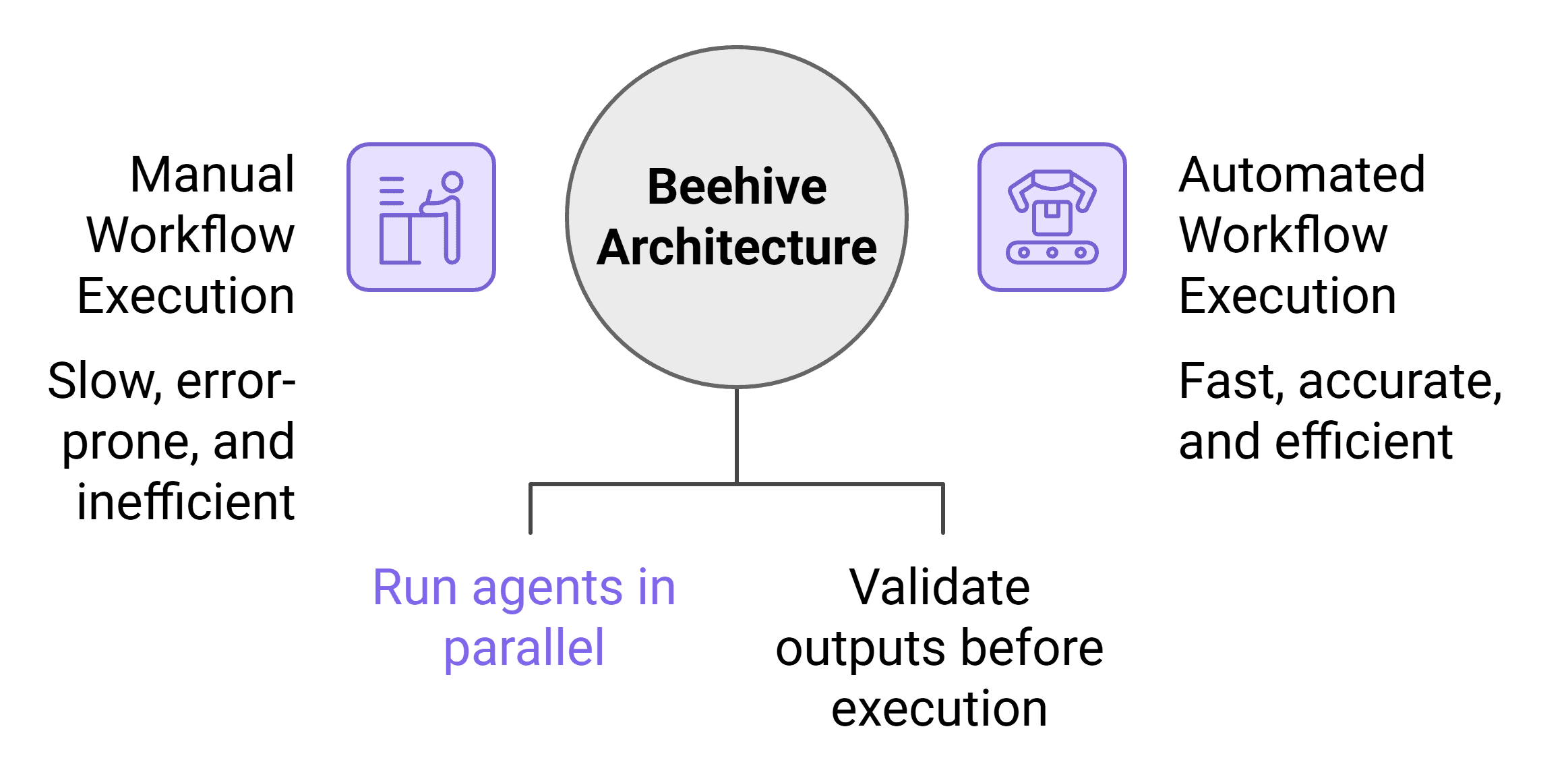
Execute complex workflows across multiple applications automatically. The Beehive Architecture deploys specialist agents that run in parallel. Evidence-majority voting validates outputs before execution. Achieve 6.7x throughput with 10 parallel agents and 97% task execution accuracy.
6.7×
Throughput with 10 parallel agents
97%
Task execution accuracy
3+
Verification passes per output
15+
Step workflows automated
Overview
Enterprise workflows are inherently multi-step and multi-system. A single business process like onboarding a new vendor, closing a sales deal, or launching a product might span 15 steps across 6 different tools. SuperManager's Beehive Architecture is purpose-built for this reality.
Rather than a single generalist agent handling everything sequentially, the Beehive deploys a coordinated swarm of specialist agents each deeply capable within its domain (finance, CRM, logistics, communication, engineering). The orchestration layer assigns work dynamically, routes data between agents, manages dependencies, and ensures the overall workflow progresses correctly even when individual steps encounter errors or require retries.
The breakthrough is evidence-majority voting: before any specialist agent writes a result, at least 3 independent verification passes confirm the output is correct. This isn't just error-checking it's a systematic approach to ensuring that the collective intelligence of the swarm produces more reliable outputs than any individual model could alone. The result: 97% task execution accuracy on complex, multi-step enterprise workflows.
Benefits
Specialist Agents, Not Generalists
Each agent in the Beehive is fine-tuned for its domain logistics, finance, CRM, engineering. Specialist agents outperform generalists on domain-specific tasks by a significant margin.
6.7x Throughput Improvement
By parallelizing independent workflow steps across 10 agents, what takes a human team hours completes in minutes. Dependent steps sequence correctly; independent steps run simultaneously.
Self-Healing Workflows
When a step fails, the orchestration layer automatically retries with adjusted parameters, routes to a fallback agent, or escalates to a human without stalling the entire workflow.
Cross-Application State Management
The orchestrator maintains shared workflow state across all participating agents ensuring data produced in step 3 is correctly passed to steps 7 and 11, even when they run on different agents.
Configurable Workflow Templates
Pre-built workflow templates for common enterprise processes vendor onboarding, deal closure, campaign launch, incident response that can be customized and activated in minutes.
Use Cases
HR Operations
Automate the full employee onboarding workflow across HR, IT, Finance, and Facilities.
8 agents execute in parallel: provisioning accounts (IT), creating payroll records (Finance), assigning equipment (Facilities), enrolling in benefits (HR), creating Jira onboarding tasks, sending welcome communications, scheduling orientation, and notifying the manager all triggered by a single HR form submission.
E-commerce Operations
Process a flash sale across marketplace channels simultaneously.
Agents update pricing on Shopify, Amazon, and Flipkart simultaneously, adjust inventory buffers in the WMS, notify the logistics partner, update ad bids in Google and Meta, and send push notifications to the customer app in one orchestrated workflow.
Engineering Lead
Automate post-incident response after a production alert fires.
Agents create a Jira incident ticket, page the on-call engineer via PagerDuty, pull the relevant error logs from Datadog, draft an incident summary, notify the affected customer segment via Intercom, and schedule a post-mortem within seconds of the alert.
How It Works
Step 1
Workflow Graph Definition
A workflow is defined as a directed graph of actions either from a template, a natural language prompt, or a visual workflow builder. Each node specifies the action, the agent type, inputs, and success criteria.
Step 2
Agent Assignment
The Beehive orchestrator assigns each node to the most capable available specialist agent, considering agent load, domain expertise, and tool access rights.
Step 3
Parallel Execution
Independent nodes execute simultaneously across the agent swarm. The orchestrator tracks completion, passes state between dependent nodes, and manages the execution timeline.
Step 4
Evidence-Majority Voting
Each agent output is verified by at least 2 additional independent checks before being accepted. Disagreements trigger a tiebreaker pass or human escalation.
Step 5
Workflow Completion & Audit
On completion, a full workflow audit log is generated every agent action, input, output, and timestamp stored for compliance, debugging, and optimization.
FAQ
How many agents can run in parallel on a single workflow?
The Beehive Architecture scales horizontally. Standard deployments support up to 10 parallel agents per workflow. Enterprise deployments can scale to 50+ concurrent agents on complex workflows, subject to your plan.
Can I define custom workflows, or are only templates available?
Both. You can activate pre-built workflow templates immediately, customize them with drag-and-drop, or define new workflows entirely via natural language prompt or a YAML/JSON workflow specification.
What happens when an agent produces an incorrect output?
Evidence-majority voting catches most errors before they propagate. If a validation failure is detected, the orchestrator retries the step, adjusts parameters, or escalates to a human reviewer depending on the error type and your configured policy.