Feature
Universal Application Connectivity
800+ apps. One AI layer. Infinite workflows.
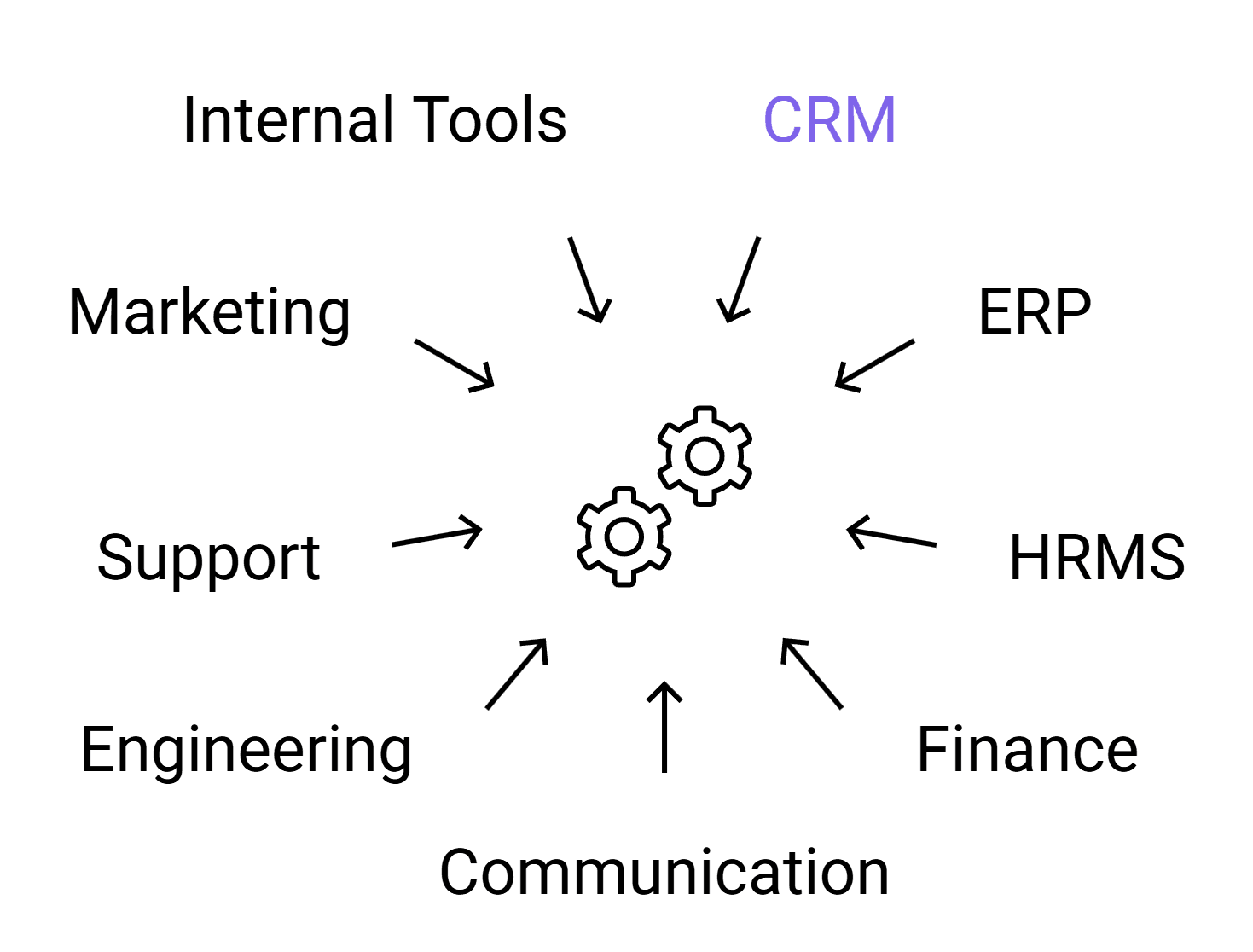
Connect 800+ applications including CRM, ERP, HRMS, Finance, Communication, Engineering, Support, Marketing, and internal tools. Every application becomes a system agents can read, write, and execute tasks in simultaneously and in the correct sequence across your entire company.
800+
Applications supported
3
Access modes: read, write, execute
<24 h
Typical connector activation time
0
Manual API mapping required
Overview
Enterprise complexity doesn't come from any single tool it comes from the sprawl of 20–40 applications that each team relies on, none of which naturally talk to each other. SuperManager AGI solves this at the infrastructure level by making every connected application a first-class citizen in the agent network.
The Universal Connectivity layer goes far beyond standard API integration. Each application connector is built with deep schema awareness agents understand not just how to call an API, but what the data means, how entities relate across systems, and what operations are safe to perform autonomously.
A customer in your CRM is automatically correlated with invoices in your ERP, support tickets in your helpdesk, projects in your project management tool, and communication history in Slack or email without requiring manual mapping tables or integration maintenance.
Agents can read from, write to, and execute actions within any connected application. They can also chain actions across applications in the correct sequence updating CRM after a payment is confirmed, creating a project when a deal closes, notifying teams in Slack, generating invoices, updating dashboards, and more. The result is a business operating layer where data and actions flow freely between systems, orchestrated by agents that understand your entire technology stack.
Benefits
Deep Schema Awareness
Connectors understand application data models, not just API endpoints. Agents know what a 'deal stage' means in a CRM, how it maps to a 'project status' in a project tool, and how that relates to invoices in ERP automatically.
Bi-Directional Data Flow
Agents can read data from any connected app and write results back, enabling cross-system updates that keep all your tools in sync without manual data entry or ETL pipelines.
Cross-App Entity Correlation
Customer IDs, invoices, orders, projects, employees, and tickets are automatically correlated across systems. An agent working on a customer can see CRM data, invoices, support tickets, and project status without being told.
Pre-Built + Custom Connectors
800+ pre-built connectors activate immediately. For proprietary or internal systems, custom connectors can be configured using database schemas, REST specs, or GraphQL introspection in under 24 hours.
Permission-Scoped Access
Every connector operates within explicitly defined permission scopes. No agent can read or write beyond the access boundaries you configure, enforced at the connector level, not just by policy.
Use Cases
Revenue Operations
Sync CRM, ERP, Project Management, and Communication tools automatically.
When a deal moves to 'Closed Won' in CRM, an agent creates a project, assigns the delivery team, creates an invoice in ERP, notifies the account manager in Slack, schedules a kickoff meeting, and updates revenue dashboards all triggered by one CRM event.
Operations Manager
Manage company operations across ERP, HRMS, Finance, and internal tools.
An agent can monitor inventory, vendor payments, employee onboarding, procurement approvals, and financial reports across multiple systems and ensure operations run smoothly without manual coordination between teams.
Engineering Manager
Connect GitHub events to project tools, Slack, deployments, and reporting systems.
A merged PR automatically closes the linked task, posts a release note to Slack, triggers a deployment pipeline, updates documentation, and notifies QA with no manual steps.
HR & Employee Operations
Automate employee lifecycle across HRMS, IT systems, payroll, and communication tools.
When a new employee is added in HRMS, an agent creates email accounts, Slack access, project tool access, schedules onboarding meetings, assigns training documents, and updates payroll automatically.
How It Works
Step 1
Connector Activation
Select your applications from the connector library. OAuth or API key authentication is completed once. The connector activates with pre-indexed schema and capability definitions.
Step 2
Schema Indexing
The ADA layer indexes the connected application's data schema entities, relationships, field types, and allowed operations creating a queryable capability map for agents.
Step 3
Cross-App Entity Mapping
Common entities (customers, invoices, employees, projects, tickets, orders) are automatically mapped across connected applications using identifier correlation and schema matching.
Step 4
Permission Configuration
Define which agents can read, write, or execute within each connected application at the resource level. Access scopes are enforced by the connector layer on every operation.
Step 5
Live Agent Access
Once activated and configured, any agent in your workspace can interact with connected applications according to its permission scope reading data, writing results, and triggering actions.
FAQ
What if my application isn't in the 800+ connector library?
Custom connectors can be built using a REST API spec, GraphQL schema, or direct database connection. The average activation time for a custom connector is under 24 hours. Connector requests are also accepted and widely requested applications are added to the standard library regularly.
How are credentials and API keys stored?
All credentials are stored in an encrypted secrets vault, isolated per organization. They are never exposed in agent context windows, logs, or API responses. Credential rotation is supported and recommended.
Can different teams have access to different application connectors?
Yes. Connector access is managed at the team and role level. Finance teams can access ERP and accounting tools, engineering teams can access GitHub and project tools, HR can access HRMS systems with no cross-access unless explicitly configured.