I Automated My Work Using AI Saved 20 Hours/Week
This is not a theory. Over eight weeks, I identified the specific tasks in my work that were consuming the most time, built AI-assisted workflows for each one, and tracked the hours saved. The result was 20 hours per week the equivalent of a part-time employee's working week returned to me.
Manthan Sharma
Author

Twenty hours per week sounds like a headline claim. I was sceptical of it myself when I first encountered the productivity promises attached to AI tools. Then I spent eight weeks doing something most people who write about AI productivity do not do: I tracked my actual time before and after building AI workflows into my work, on specific tasks, with specific measurements. The result was 20 hours and 40 minutes per week recovered across six workflow changes. This piece documents exactly what those workflows were, what I changed, and what the time savings actually looked like in practice. I am not claiming everyone will get 20 hours. I am claiming these specific workflows saved me that much, and that most knowledge workers have comparable inefficiencies in their daily work that AI can address.
Workflow 1: Research and Briefing 5 Hours Saved
Before: Every client brief I produced involved 3 to 4 hours of research reading industry reports, mapping competitor landscapes, compiling relevant data points, and synthesising them into a structured brief. After: I now provide Perplexity and Claude with the specific questions I need answered, the industry context, and the client's specific situation. The research synthesis takes 40 to 60 minutes. I spend an additional 20 minutes verifying key claims against primary sources and adding the contextual judgment that only comes from knowing the client.The saving is not that AI does the research better than I do. In some dimensions it does not I still catch things the AI misses and I still add interpretation that the AI cannot provide. The saving is that the mechanical assembly of information, which was the largest single time cost in the research process, is now handled by AI in minutes rather than hours. I do the thinking. The AI does the gathering.
Workflow 2: Email and Communication 3 Hours Saved
Before: Drafting the 15 to 20 business emails I write per day follow-ups, proposals, meeting confirmations, project updates consumed 45 minutes to an hour per day. After: I use Copilot and Claude to produce first drafts for every email longer than three sentences. I review each draft for factual accuracy about the specific recipient and context, edit the tone where needed, and send. Each email now takes 2 to 3 minutes rather than 5 to 7.The caveat I apply consistently: I never send an AI-drafted email without reviewing the specific details about the recipient and their situation. AI email drafts are fast and structurally competent. They occasionally get details wrong. The 30 seconds I spend checking details before sending is not optional.
Workflow 3: Content Creation 4 Hours Saved
Before: Writing LinkedIn posts, newsletters, and long-form articles consumed 6 to 8 hours per week. After: I use Claude for first drafts of all long-form content based on detailed briefs I write first. The brief writing capturing the specific argument, the audience, the examples I want to include, and the tone takes 15 to 20 minutes. The first draft generation takes 2 minutes. Editing the draft into my actual voice takes 30 to 45 minutes. Total time for a long-form piece: 60 to 75 minutes rather than 3 to 4 hours.The key learning here was that the quality of the brief directly determines the quality of the first draft. When I wrote a detailed, specific brief before prompting, the first draft was 80 to 85% usable. When I prompted lazily with a general topic, I got a generic draft that required as much work to fix as writing from scratch would have taken.
Workflow 4: Meeting Preparation 2 Hours Saved
Before: Preparing for client meetings reviewing account history, preparing questions, anticipating objections, structuring the agenda took 30 to 45 minutes per meeting. I typically have 4 to 6 significant meetings per week. After: I give Claude the relevant account context (a structured summary I maintain per client), the meeting objective, and any recent developments, and ask it to produce a meeting preparation brief background, agenda, anticipated questions, and suggested talking points. The brief generation takes 3 minutes. I read and annotate it over 10 minutes. Total preparation time: 13 to 15 minutes rather than 30 to 45.The AI does not know my clients the way I do. It cannot anticipate the interpersonal dynamics or the unspoken concerns that years of working with someone reveal. What it does well is structuring the objective information account history, previous commitments, relevant context so I can focus my preparation time on the human and strategic dimensions that actually require my judgment.
Workflow 5: Data Analysis and Reporting 4 Hours Saved
Before: Weekly performance reports for clients pulling data from multiple sources, producing analysis, writing commentary consumed 6 to 8 hours per week across all accounts. After: I use AI to produce initial data summaries and commentary drafts from structured data exports. The analysis framing, the interpretation of trends, and the strategic recommendations still come from me. The mechanical description of what the numbers show is now handled by AI.The specific limitation I ran into: AI analysis of performance data is useful for describing what happened. It is not reliably useful for explaining why it happened in the specific context of a specific client's market and history. I never let an AI-generated performance interpretation go to a client without adding my own explanatory layer. The AI saves me the time of writing the numbers description. I spend my time on the interpretation that actually helps the client.
Workflow 6: Administrative Tasks 2 Hours Saved
The smallest but most consistent saving: AI-assisted drafting of proposals, contracts, SOWs, meeting agendas, and other structured administrative documents. Before: each of these documents took 45 minutes to an hour to produce from scratch. After: AI produces a template-quality first draft in 3 minutes based on a structured prompt. I customise the specifics and review for accuracy. Total time: 15 to 20 minutes.The aggregate saving across administrative documents which I previously thought of as fast tasks that do not matter turned out to be more than 2 hours per week. Small tasks add up. AI compresses small tasks reliably and without the quality variance it shows on tasks requiring deeper judgment.
What the 20 Hours Bought
The 20 hours recovered per week went into three categories: deeper client work (spending more time on the strategic and relational dimensions of client relationships that I was previously too time-constrained to invest in properly), business development (using the recovered time to build the content output and outreach activity that grew revenue), and personal capacity (genuinely finishing work earlier and having mental bandwidth left at the end of the day). The productivity gain from AI tools was real. What I did with the reclaimed time determined whether that gain translated into better outcomes or just into more work at the same pace.

3 AI Skills That Can Make You ₹1 Lakh/Month
Related articles
View all →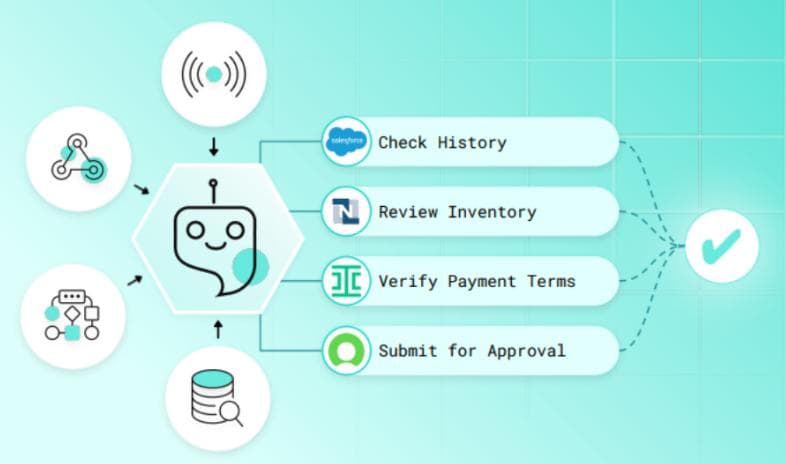 AI Execution
Why AI Execution Systems Will Define the Future of Enterprise Operations
The next frontier of enterprise competitive advantage is not strategy it is execution. AI execution systems that translate strategic intent into coordinated operational action, faster and more reliably than any human-managed process, are becoming the defining infrastructure of enterprise performance in every sector.
 Autonomous Coordination
The Rise of Autonomous Enterprise Coordination Platforms
Enterprise coordination the alignment of people, processes, information, and resources across organisational boundaries has always been expensive, slow, and error-prone when managed through human intermediaries alone. Autonomous coordination platforms powered by AI are replacing the coordination overhead of large organisations with intelligent systems that synchronise the enterprise continuously and without manual intervention.
 AI Agents
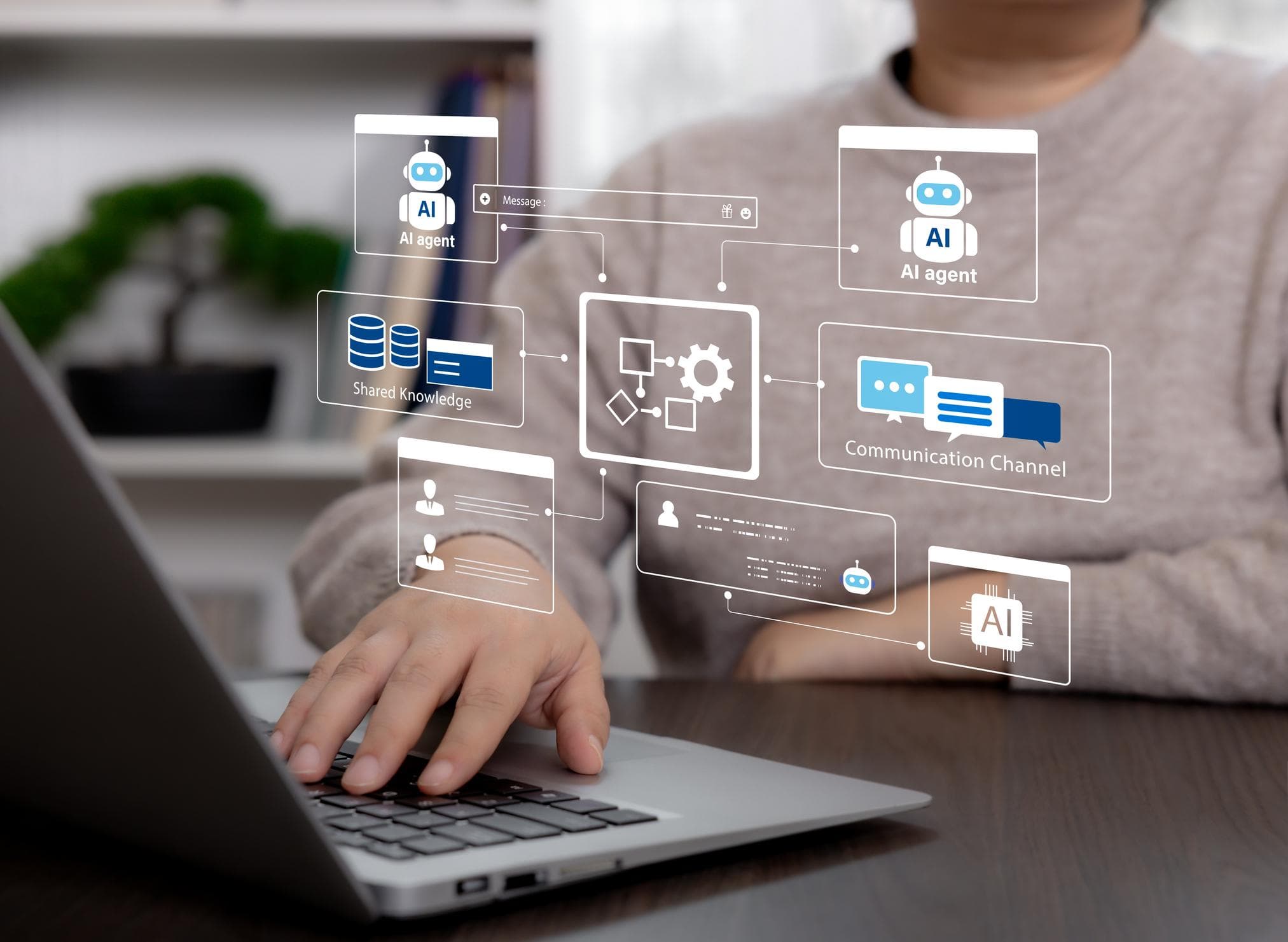
How AI Agents Are Transforming Enterprise Workflow Intelligence
AI agents autonomous systems that perceive their environment, reason about objectives, and take action across enterprise workflows are moving from research concept to operational reality. The enterprises deploying AI agents at scale are discovering that workflow intelligence is not just about automation it is about creating organisational capability that compounds with every cycle.